Holidays
Create and edit recurring holidays
The Interface
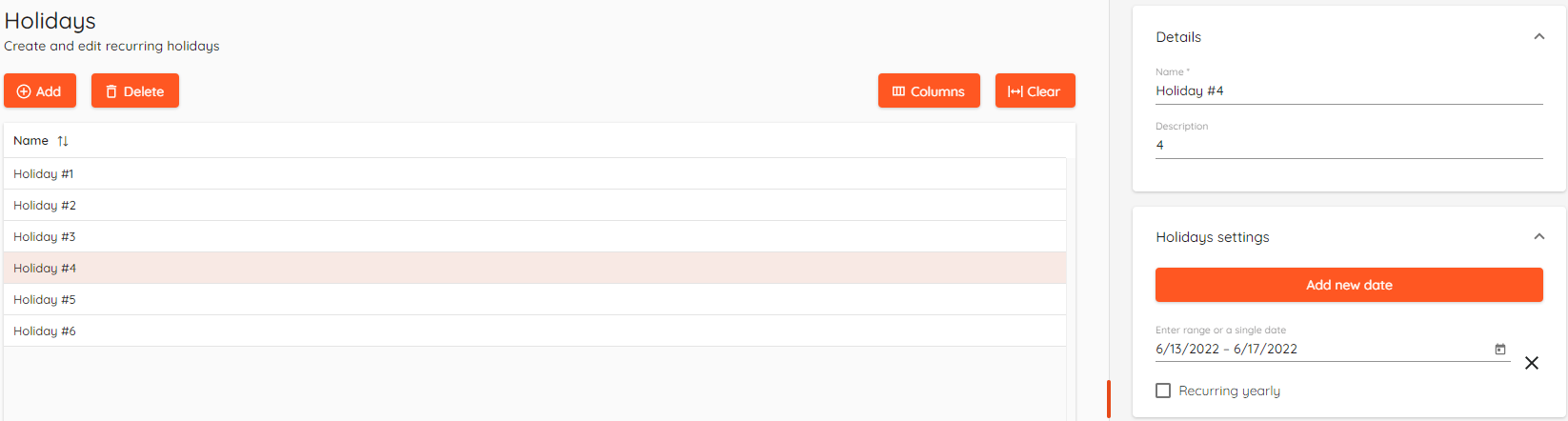
Basics
Holidays can be created and used as an exception for a regular schedule.
Each holiday can have multiple dates set.
Holidays can be set to be as Recurring yearly, i.e. any holiday that falls on the same date every year. Also, holiday can be a single date.
Add a holiday
To add a holiday:
- Click on Add.
- Enter the name of the holiday.
- Add a holiday description.
- Click Add new date.
- Select range or a single date.
- Click Save.
Selecting date range
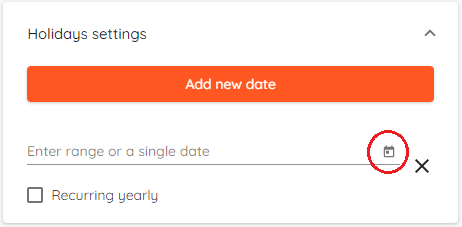
After clicking Add new date click on small calendar icon:
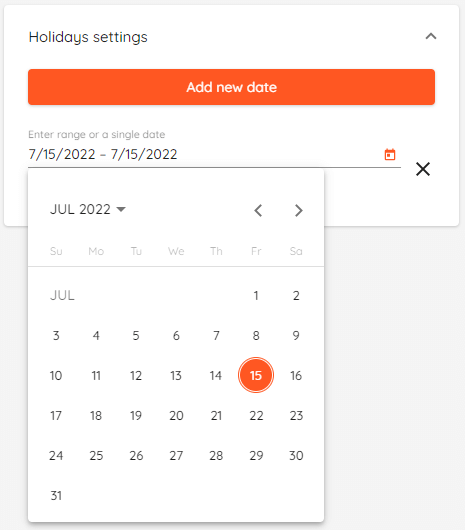
Select a range by clicking on starting day of the holiday and then click on the last day of holiday. To select a single date click twice on the same day.
Selecting time intervals
Holiday time intervals can be selected in Schedules section.