Inputs
Set device input related settings
The Interface
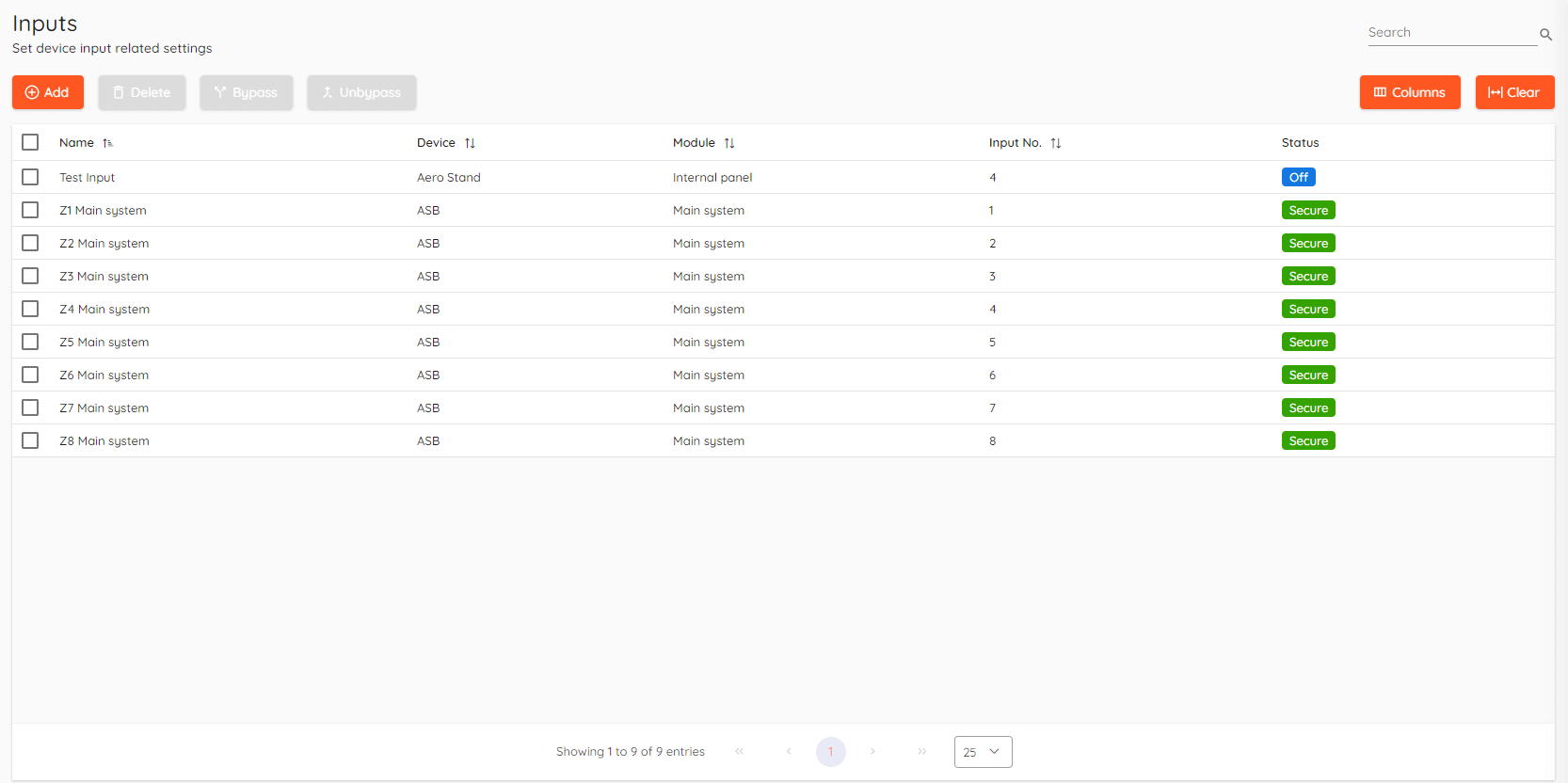
Basics

- Add - Add new input to CredoID. Configuration menu will open on the right side of the screen.
- Delete - Remove selected input.
- Bypass - Ignores an input if it is used to trigger an alarm or any other action.
- Unbypass - Reverts selected input status to default.
Bypass/Unbypass is only available with ASB Musdo Security panels.
Inputs can be used for door mode control and can be configured to be used as an action trigger.
Adding input
To add new Input click Add, input configuration menu will open on the right side.
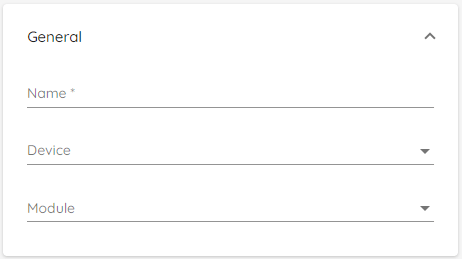
- Name - Enter name for the input.
- Device - Select device to which the desired input is present.
- Module - Select module to which the desired input is present.
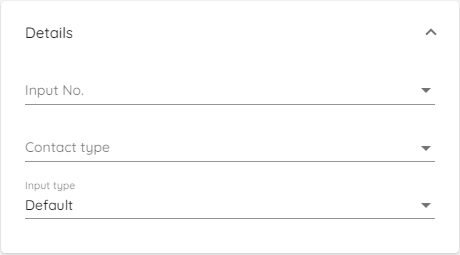
- Input No. - Select input number on the controller.
- Contact type - Select input contact type. Contact type depends on your wiring setup.
- Input type - Select input type. It can be default or door mode control.
Only inputs that are not used by REX or door monitor can be selected.
Contact type options:
- Normally open
- Normally closed
- Supervised 2K1K normally closed
- Supervised 2K1K normally open
Door mode control
Door mode control is only available with HID Aero and Mercury controllers.
When you select input type as door mode control you will be presented with additional options.
Door mode control allows you to control outputs and doors via input. This is done without software being as 3rd party actor, meaning it's only hardware dependant.
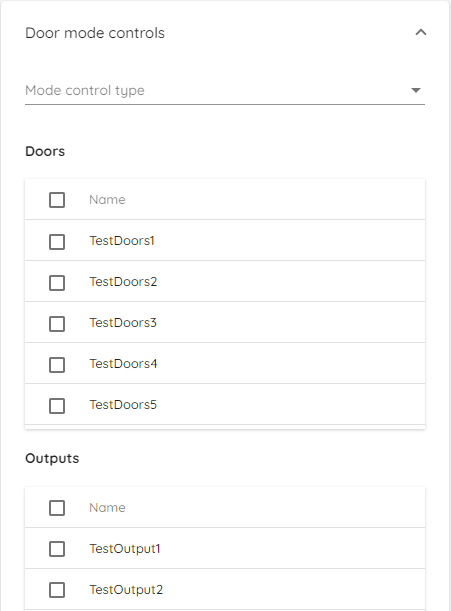
Select Mode control type from available options:
- Unlock - Unlocks the door while input is on, once input is off - door mode is reverted to default (secure).
- Lock - Locks the door while input is on, once input is off - door mode is reverted to default (secure).
- Permanent Unlock - Unlock the door permanently, turning off input doesn't change door mode.
- Permanent Lock - Lock the door permanently, turning off input doesn't change door mode.
- Timed Unlock - Unlocks door and allow free entry for a set period of time.
- Timed Lock - Locks the door and dissalows entry for a set period of time.
Select Doors which will be present in mode control chain. Additionaly, you can trigger outputs.
Emergency unlock
Door mode control can be used as an emergency unlock function in "CredoID".
An input should be configured with the "Permanent unlock" mode control type to unlock all doors assigned to a controller during an emergency event.
A single input can control all doors and outputs connected to the controller, including those connected to its downstream modules.
Door mode control inputs operate within the scope of a single controller and its downstream modules. Doors and outputs on other controllers require separate inputs defined within their respective controller scope.
Input bypass
This feature is only available with HID Aero, Mercury controllers and ASB Musdo security panel.
By duration
Input bypass by duration allows to set an amount of time during which the inputs will be bypassed.
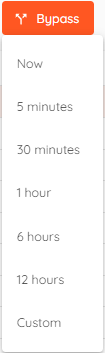
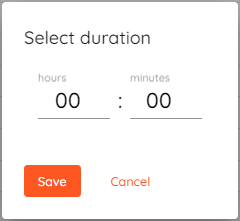
Selecting "Custom" let's you manually set duration.
Scheduled
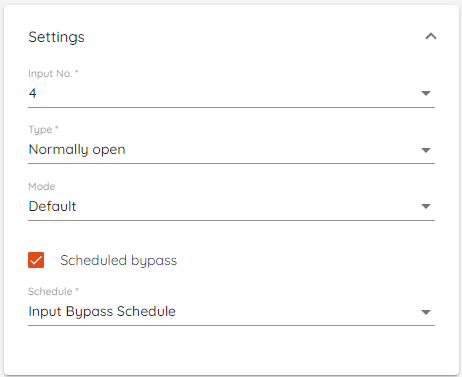
Scheduled input bypass allows you to select a schedule during which the inputs will be bypassed.
Filters and search
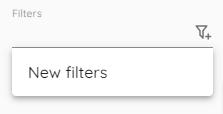
Top right corner contains two fields called Filters and Search.

Filters allow you to create your own custom view where you can select what you want to see exactly.
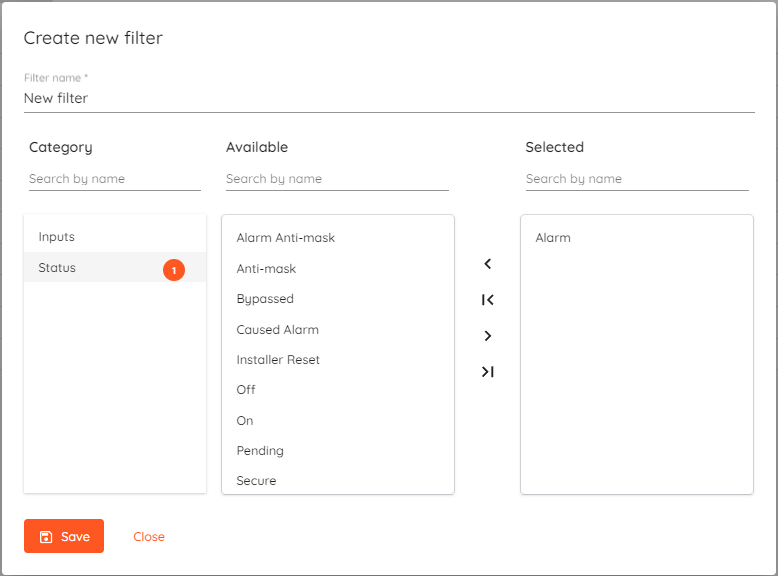
You can create as many filters as you like and then apply them by clicking on the Filters field and selecting the one you need.
In the Search field you can quickly filter events by typing string and it will show everything that contains it.