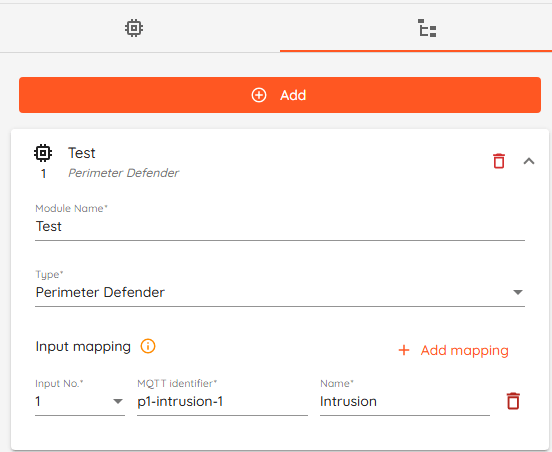
Input mapping - Click "Add mapping" to add an input.
Input No. - Input number does not select the Axis zone. Any input 1–16 works as long as MQTT Identifier matches the Axis scenario (e.g. p1-intrusion-1). Pick the input number for how you want it ordered/labeled in CredoID.
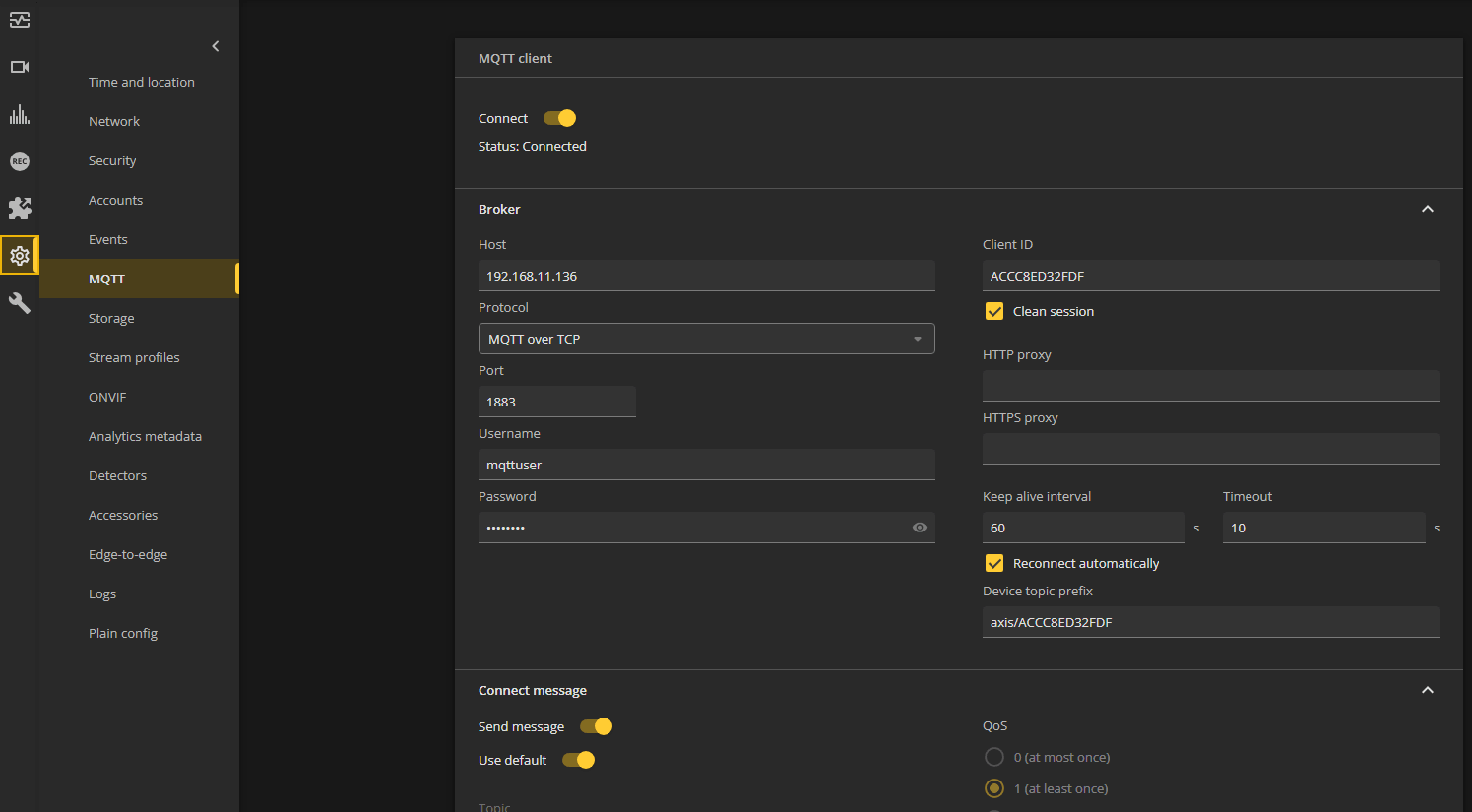
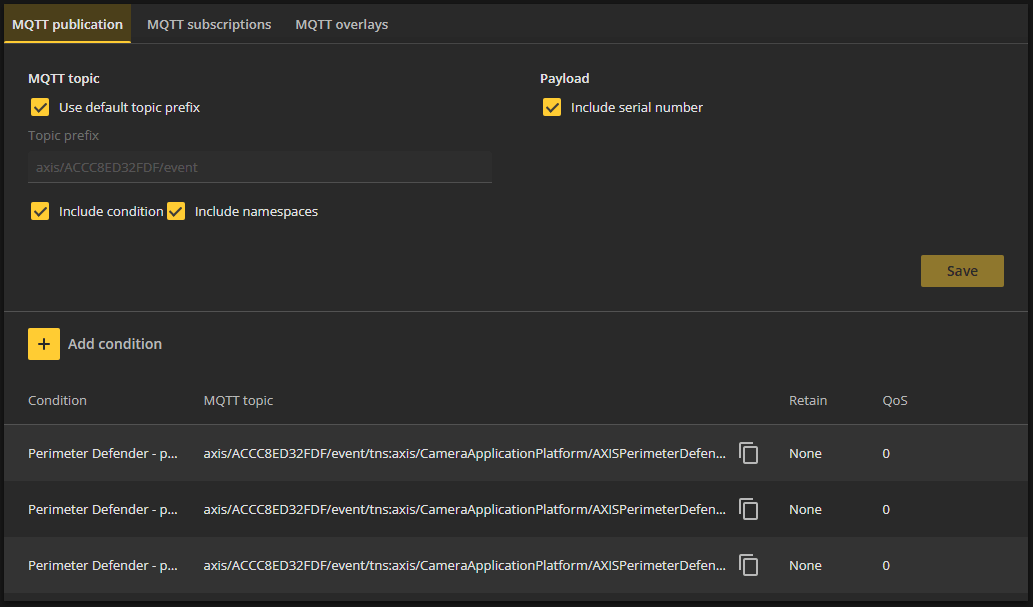
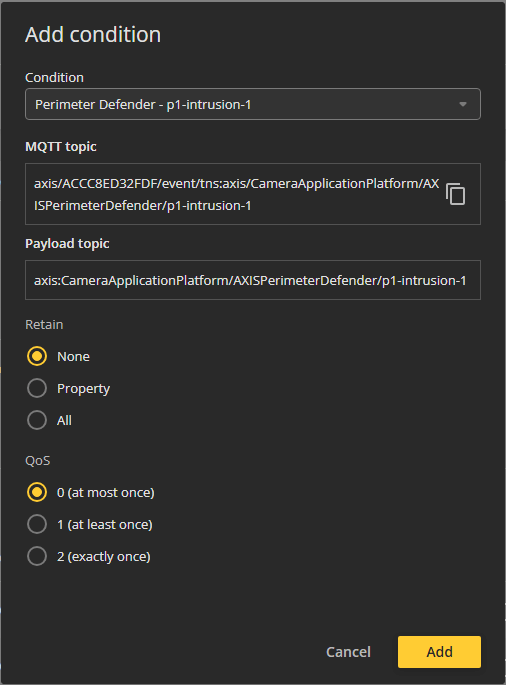
MQTT Identifier - scenario name from Axis Perimeter Defender (e.g. p1-intrusion-1).
Name - how this input will be named in CredoID inputs page.
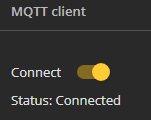
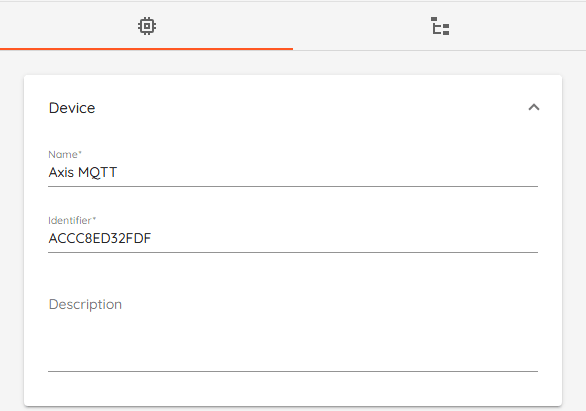
Save. Device should go online when the camera’s MQTT client is connected.
Verify: Trigger the zone on Axis → CredoID shows Input On; clear → Input Off.