Policies
Create and manage policies for a group
The Interface
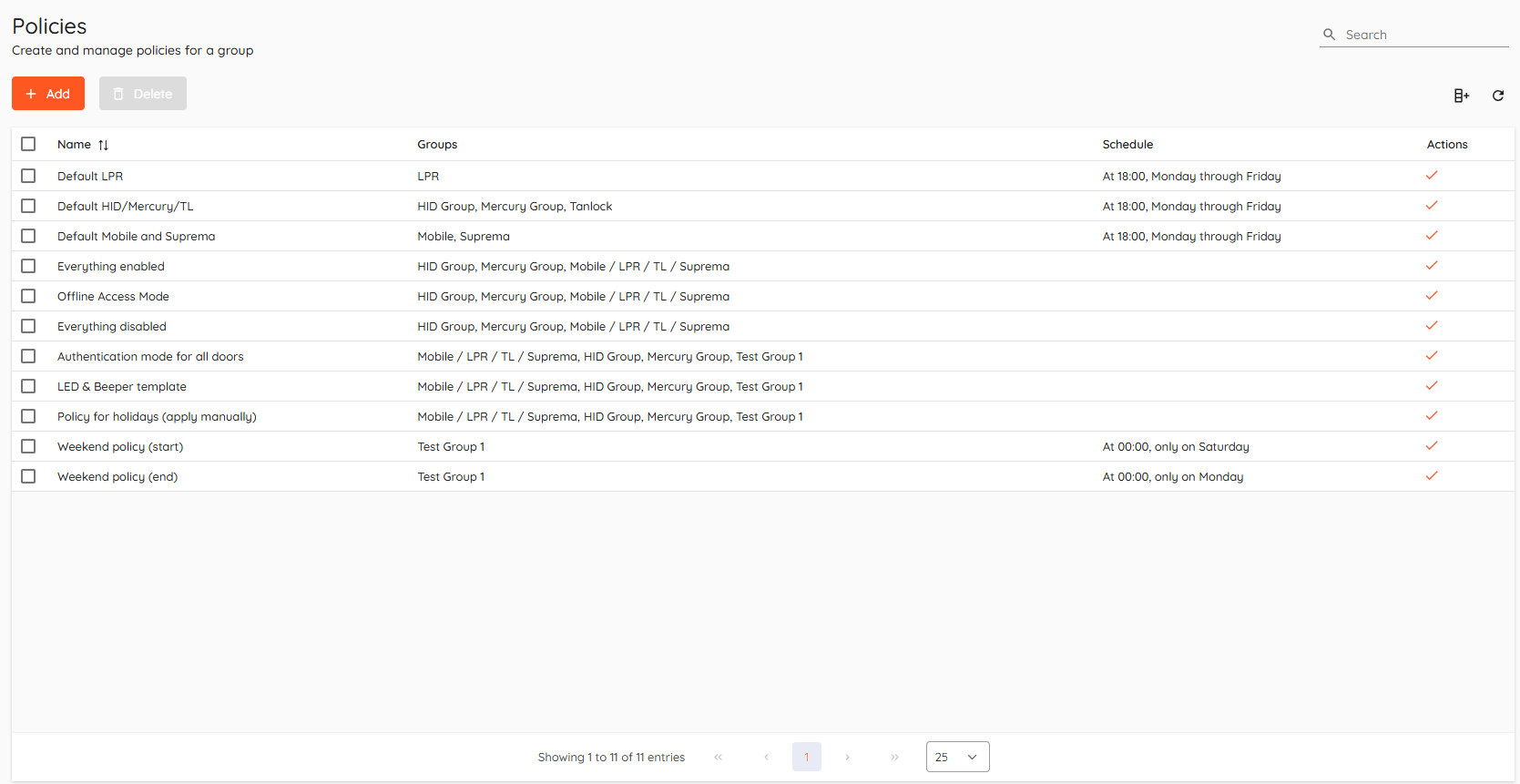
Basics
Using policies, operators can efficiently manage groups without configuring each object individually.
Add a policy

Click "Add" to create a new policy.
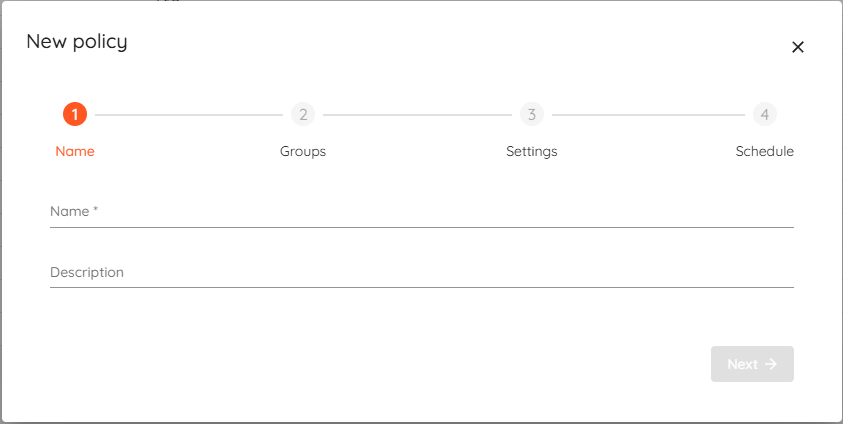
Name and description
Enter name and description.
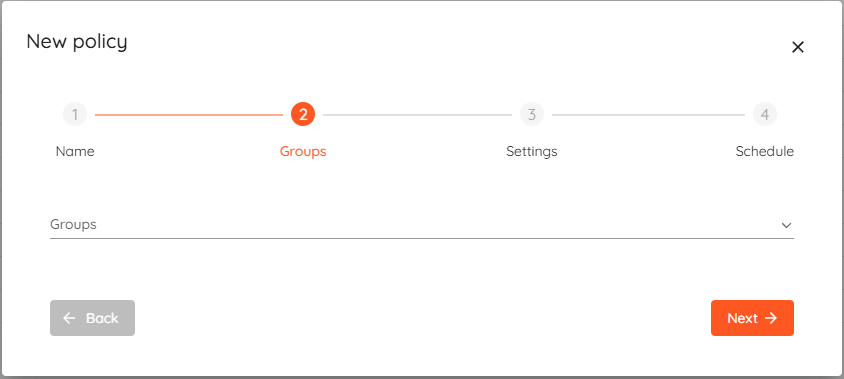
Assigned groups
Select which groups the policy will be applied to.
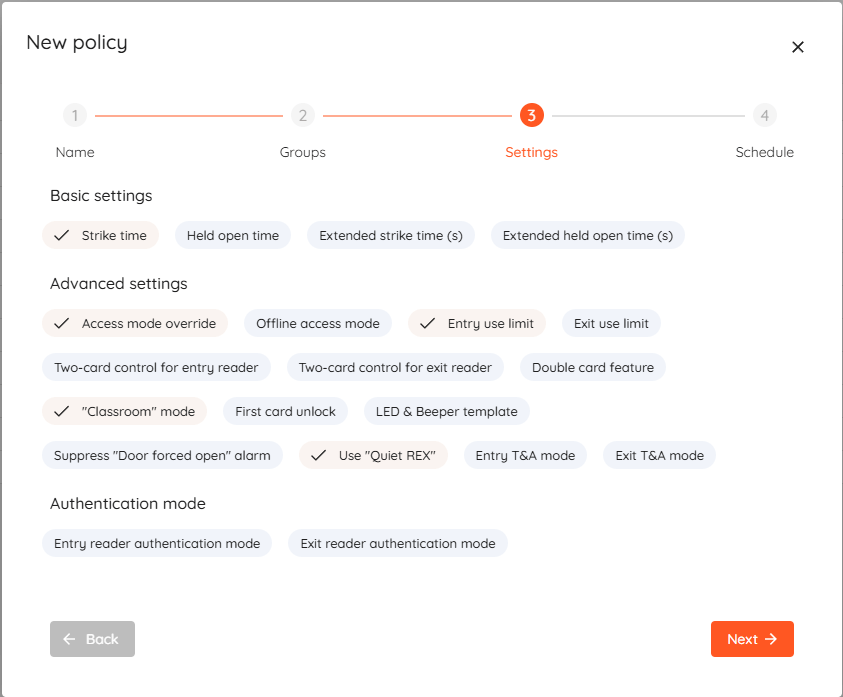
Settings selection
Select which settings to include in policy.
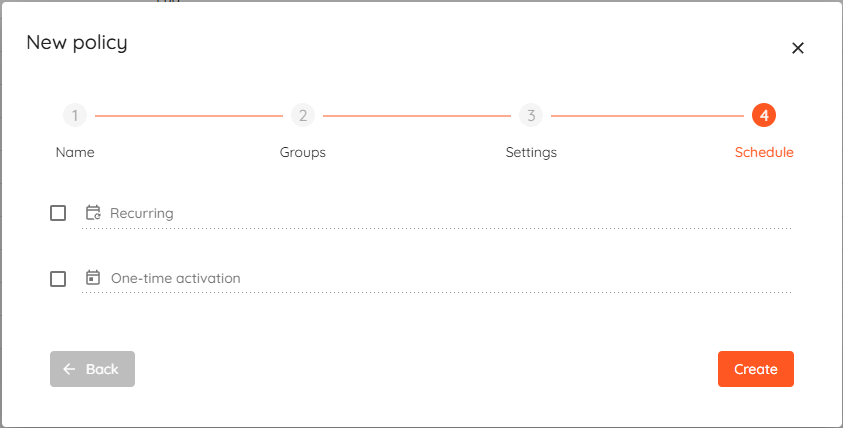
Setting a schedule
- Recurring - cron expression.
- One-time activation - date when policy will be applied.
Apply a policy
To manually apply a policy - click  button in policies list action column.