Licensing activation via API
Offline license activation using API and file
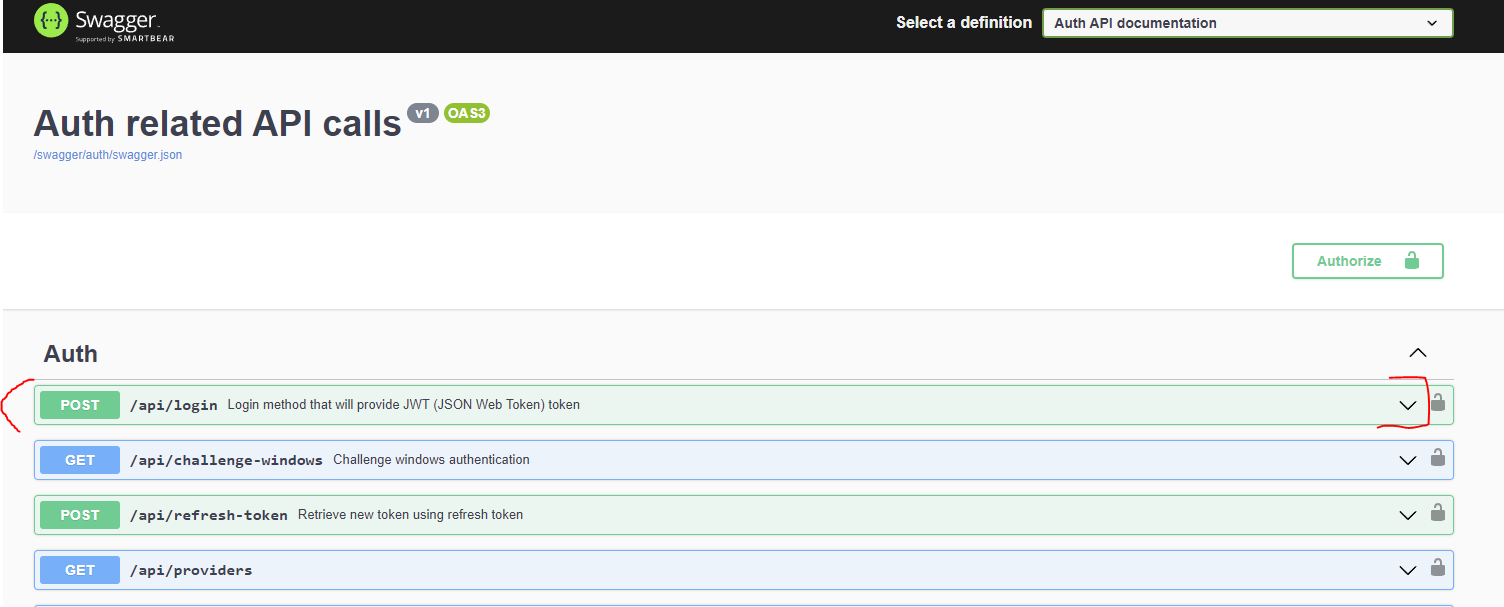
- Head to http://localhost:8090/swagger
- Expand
api/login:
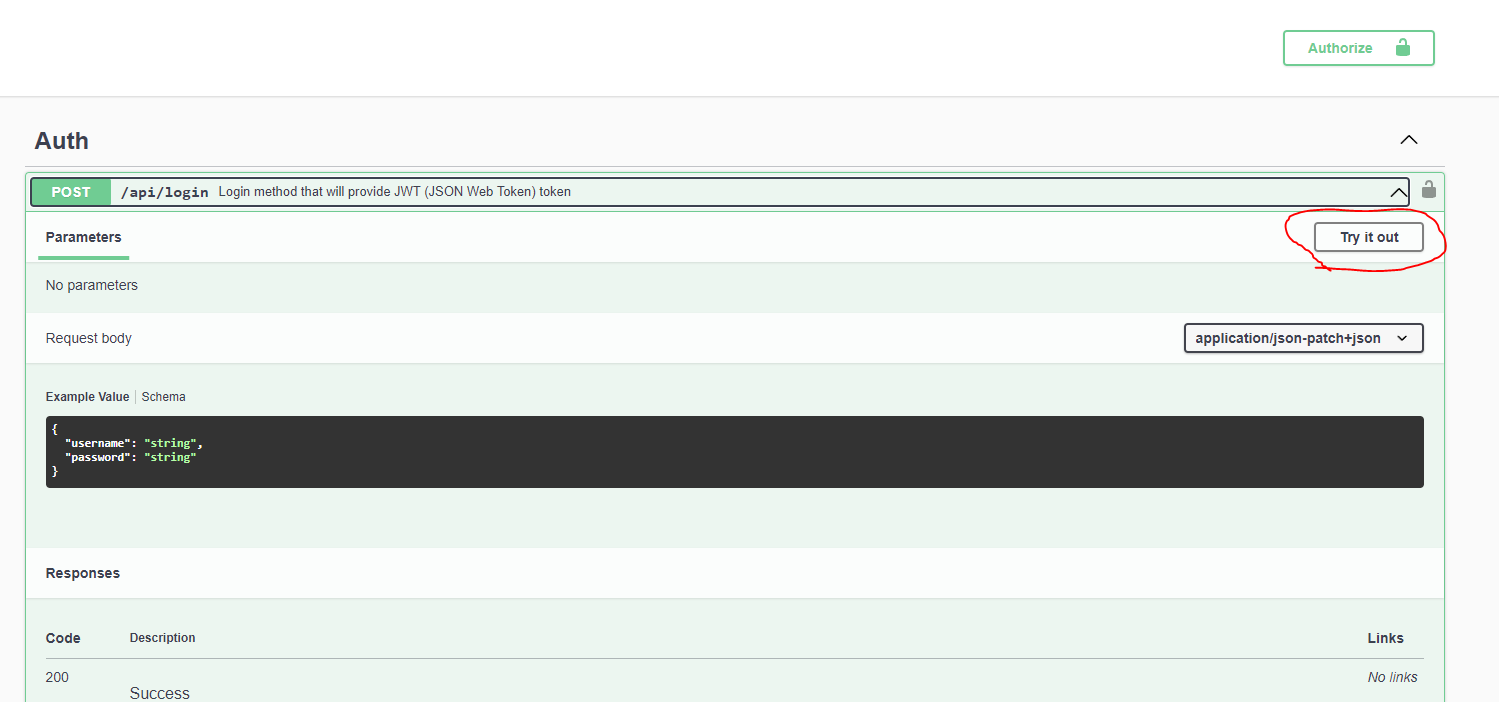
- Click on "Try it out" button:
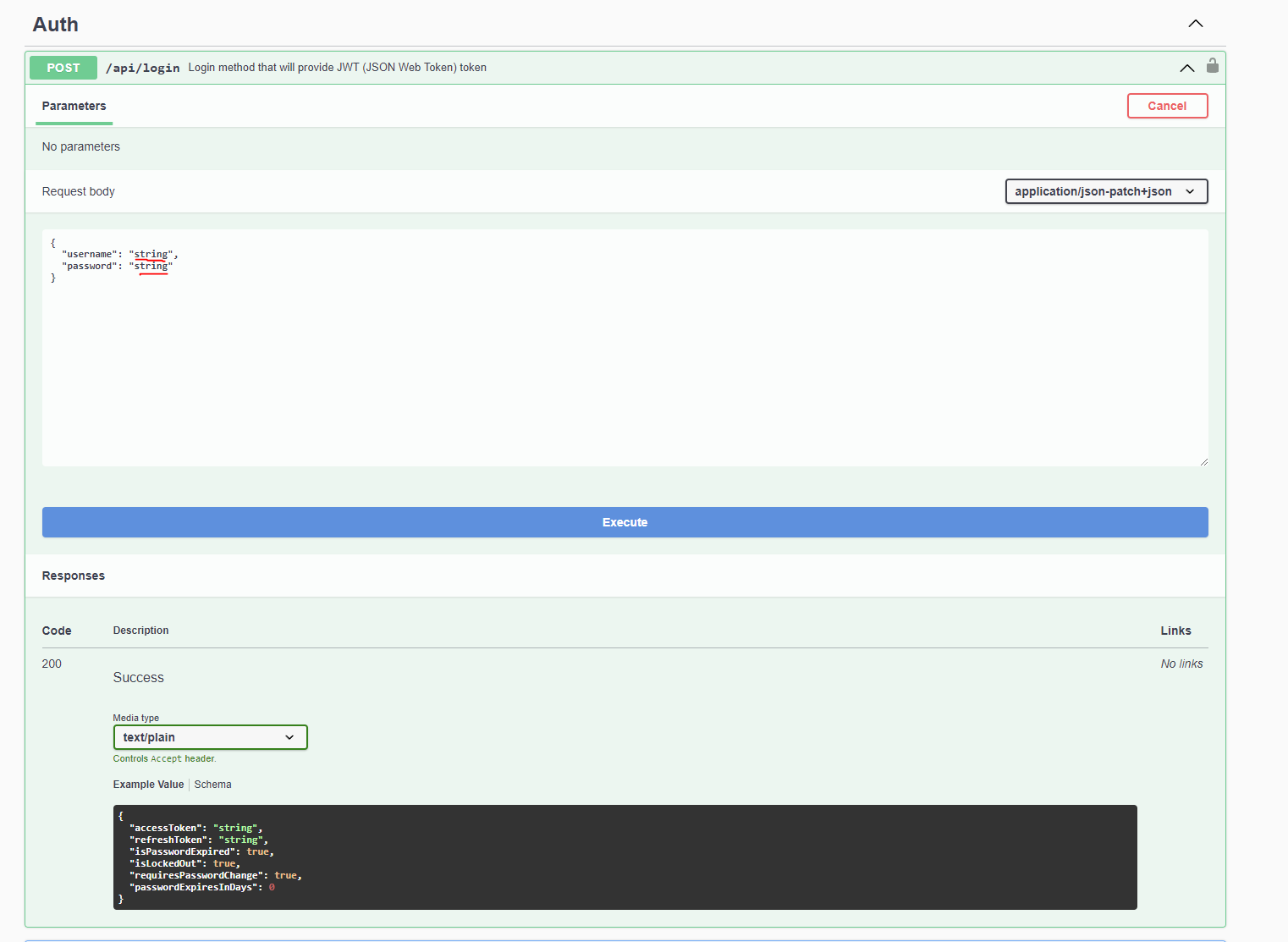
- Replace
stringwith CredoID administrator username and password and press "Execute".
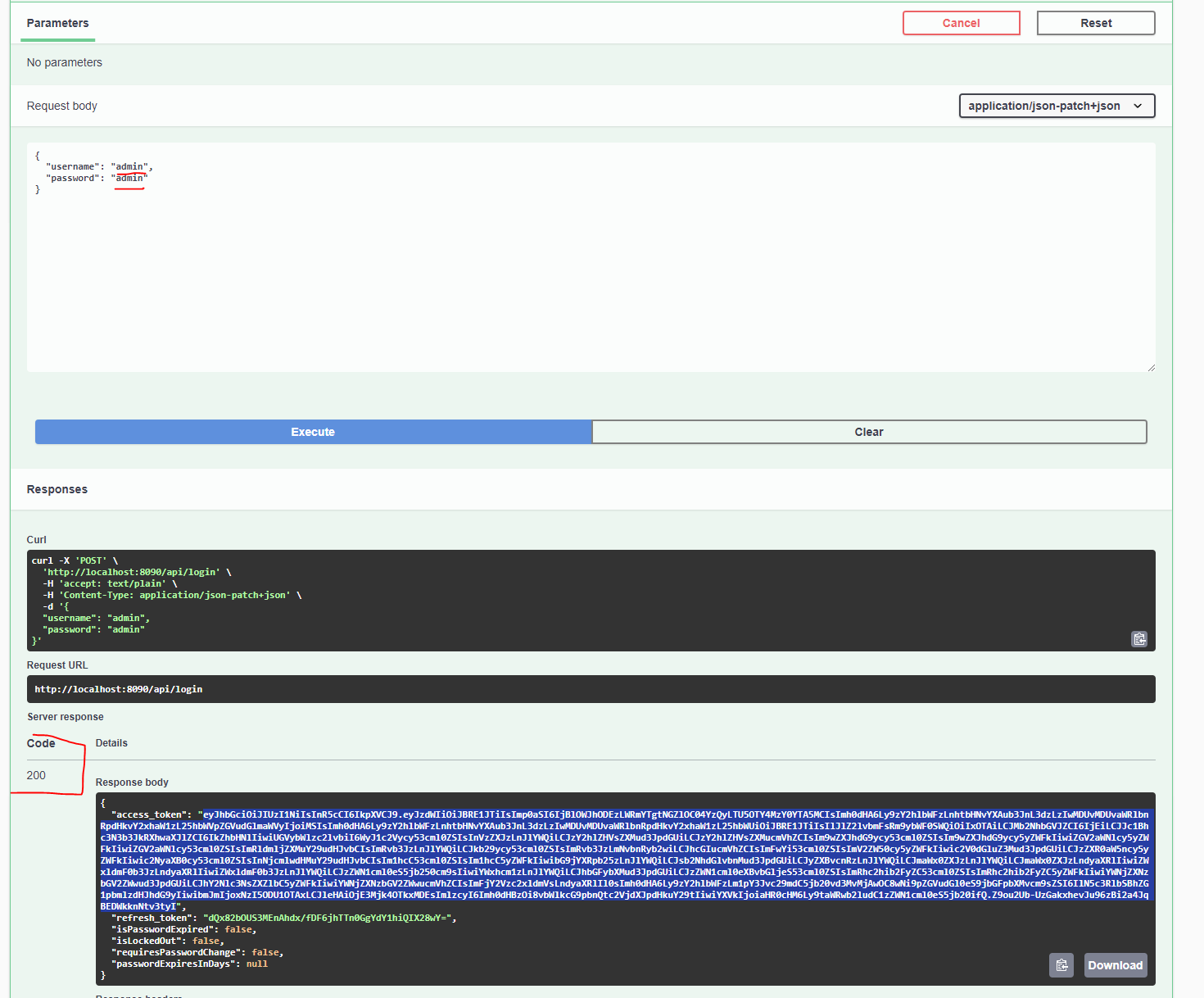
- If information is correct, the response should be Code: 200 and in the response body you should receive access_token (marked in blue). Copy it to a clipboard without "".
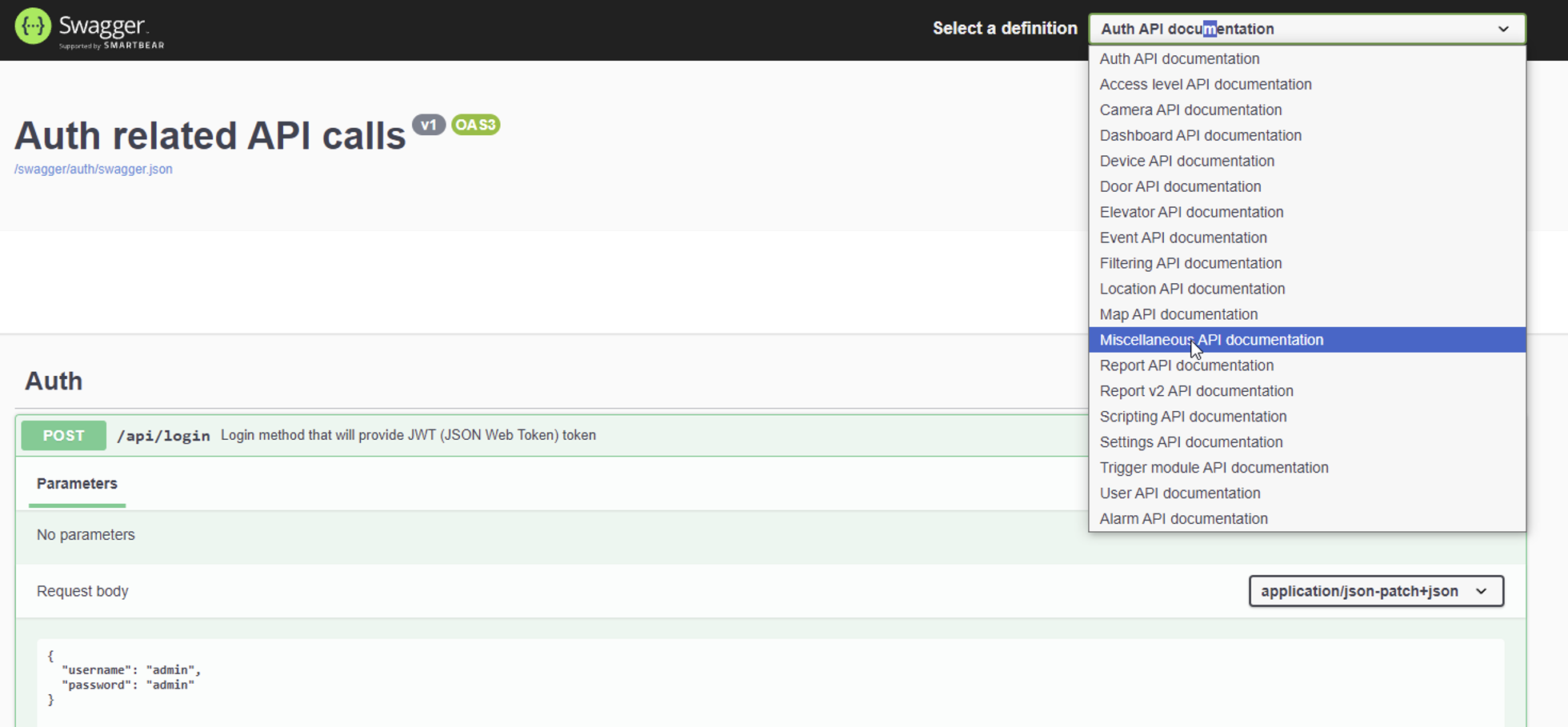
- In the right upper corner next to "Select a definition" expand a list and go to "Miscelaneous: API documentation".
- Expand
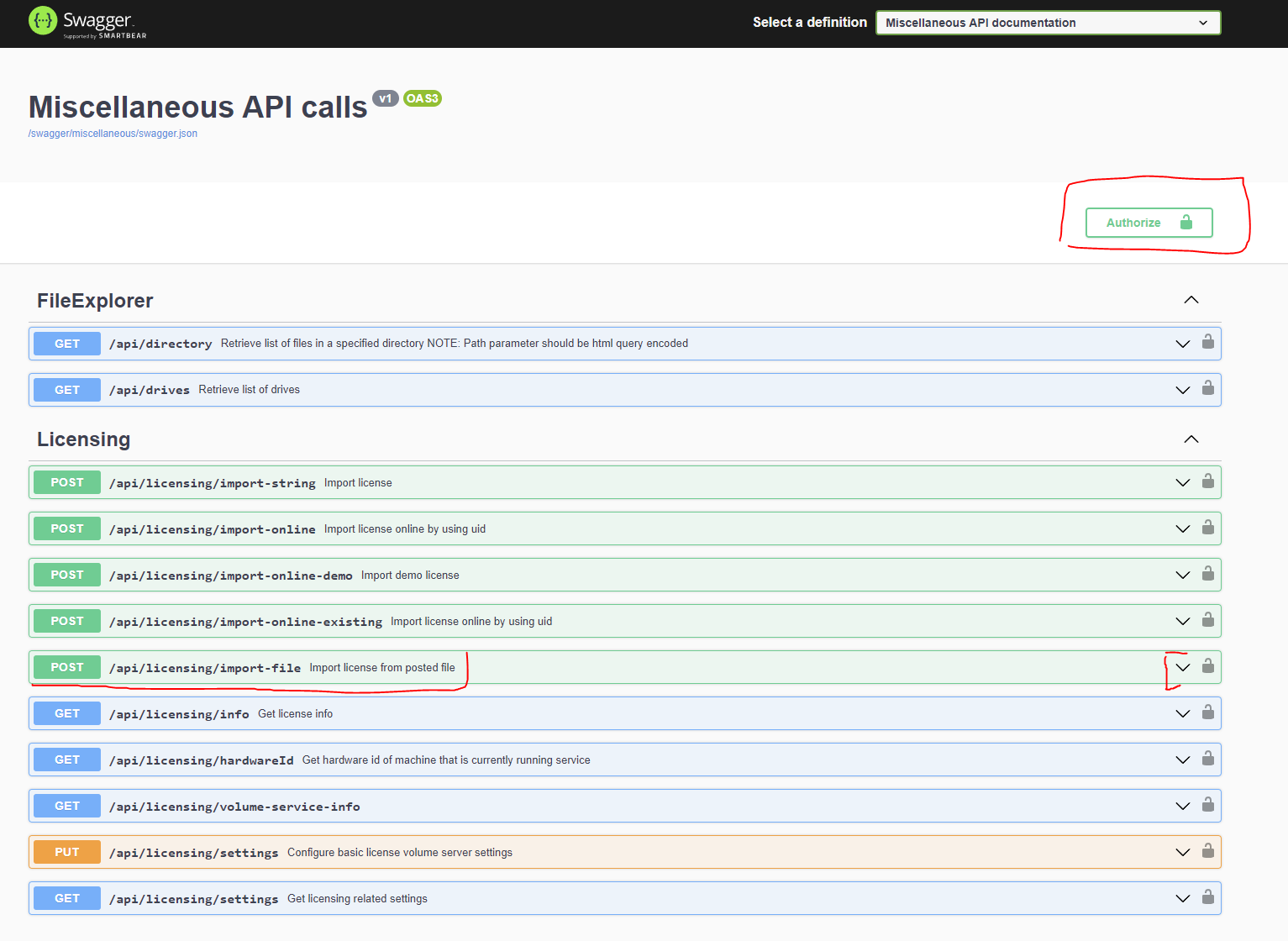
api/licensing/import-fileand click on the "Authorize" button in the right top corner.
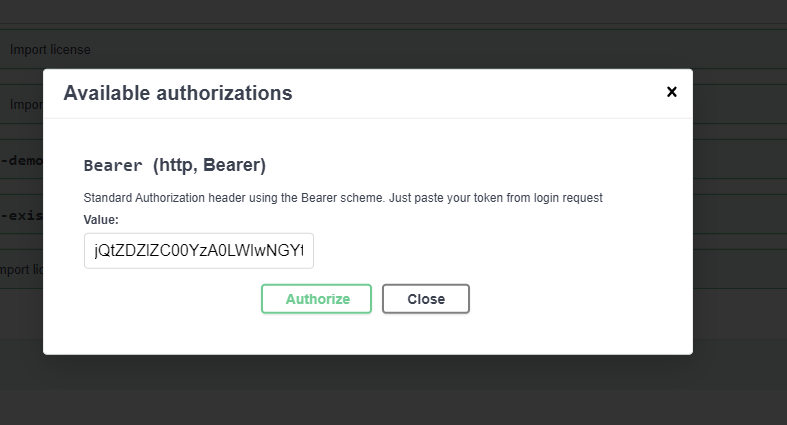
- In the dialog, paste the copied token from the clipboard into field "Value" and press Authorize.
- Go back to '
api/licensing/import-fileand press "Try it out" button. In thefilechoose your .license file (sent by CredoID for offline activation) and press "Execute".
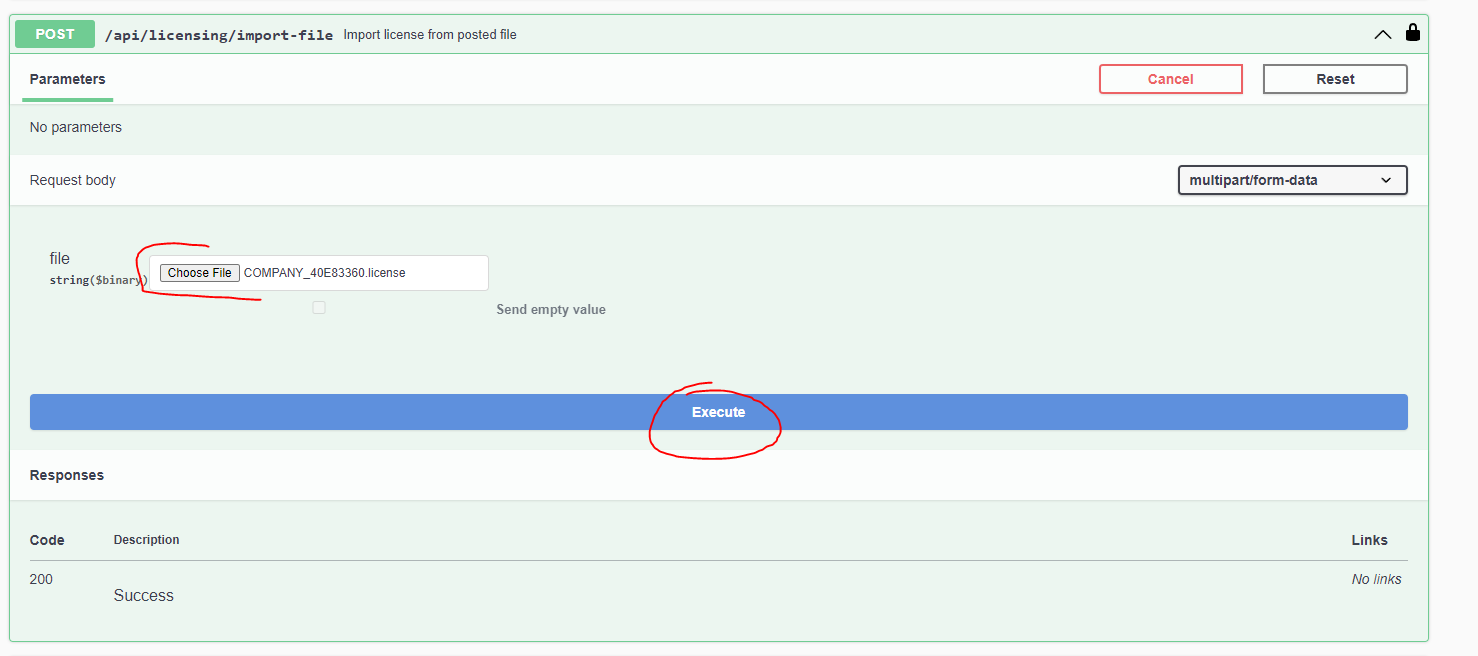
If everything was done correctly, you should receive response 200 success and your license should be activated.